Your NI Expansions
on your MPC Sample
Convert your entire Native Instruments Expansions library into ready-to-play MPC Sample projects — in minutes, not hours. No DAW. No exports. No drama. Just pads.
One-time payment. Mac + Windows. Early adopter price — ends June 30.
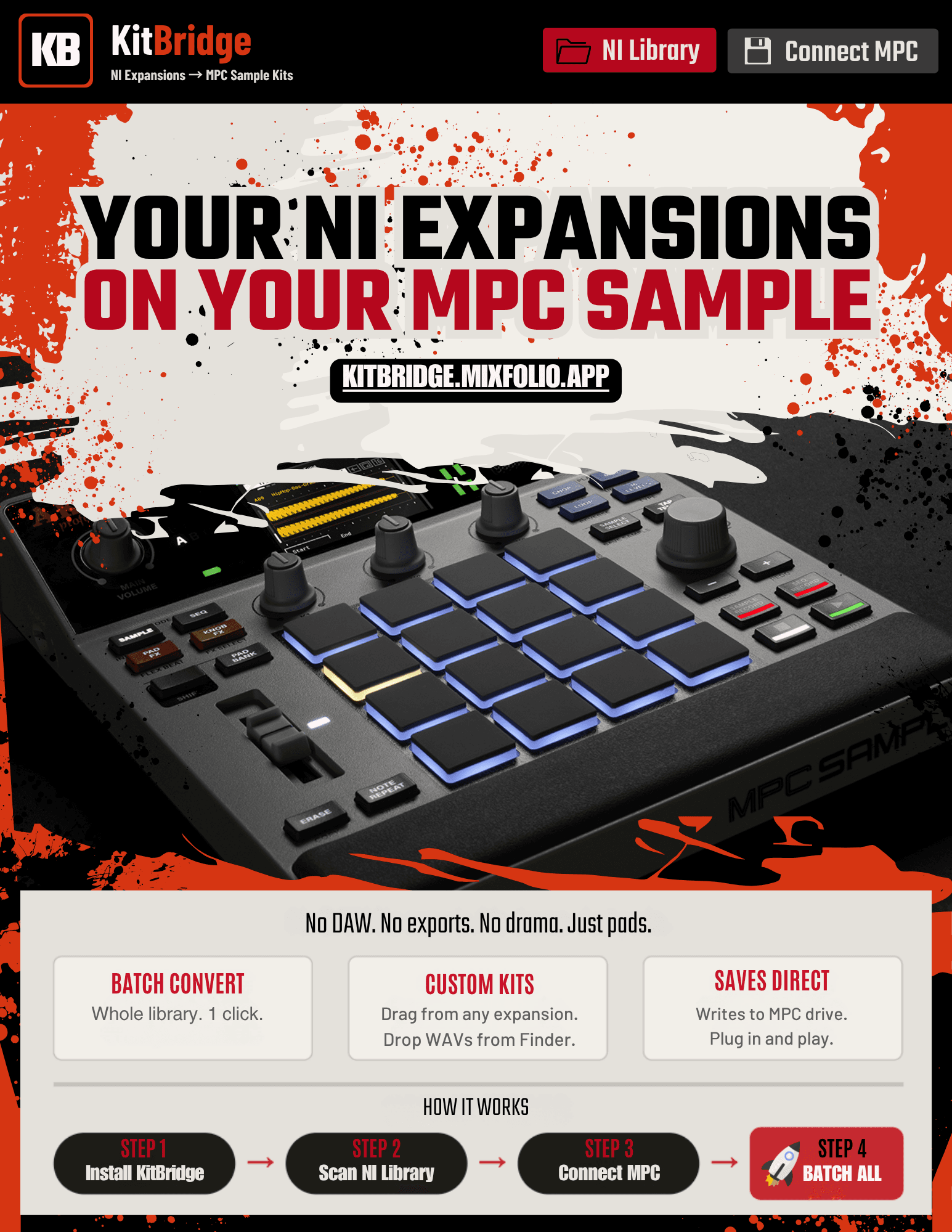
No DAW. No exports. No drama. Just pads.
60 seconds. Zero kits to a full MPC drive.
Whole library, one click. Every kit converts to MPC Sample format with full sample data, trim points, and 8 banks ready to play.
Drag samples from any expansion. Drop WAVs from Finder. Mix expansions in one project. Build kits exactly how you want them.
Writes straight to your connected MPC Sample drive. Plug in, eject, play. No file copying, no manual organization.
Four steps. Done.
Launch the app. Mac or Windows.
Point to your Expansions folder. Every kit lists instantly.
Plug in your MPC Sample drive. Select the Projects folder.
One click converts your entire library. Eject and play.
🎹 What KitBridge does
- ›Scans your NI Expansions folder and lists every kit instantly
- ›Converts kits to MPC Sample projects (.xpj) with full sample data
- ›All 8 banks (A–H, 16 pads each) load on the unit — pads play immediately
- ›Trim points read directly from NI expansion data — no editing required
- ›Batch converts your entire library — one click
🥁 Build custom kits
- ›Drag individual samples from any expansion onto any pad
- ›Drag WAV files directly from your computer onto pads — up to 300MB per sample (over 10 minutes of audio)
- ›Drop multiple files — fills pads 1→16 automatically
- ›Swap pads within a bank, drag pads across banks
- ›Mix samples from different expansions in one project
- ›Search your library with instant filtering
🎯 Kit Builder / Randomizer
- ›Auto-builds kits from your library by category — Kick, Snare, Hat, Perc, Bass, FX
- ›Set a category per pad, lock the ones you want to keep
- ›Source from your whole library or pick a single expansion
- ›Randomize unlocked pads instantly — first click builds, every click after reshuffles
- ›Each pad shows exactly which expansion the sample came from
💾 Smart saving
- ›Save to MPC — writes directly to your connected MPC Sample Projects folder
- ›Save Project Folder — saves anywhere on your computer
- ›Batch All — converts everything, auto-named by expansion
- ›Batch one expansion — right-click any expansion or use the dropdown
- ›1 kit per project → auto-organized into expansion folders
- ›Multiple kits → auto-grouped into numbered sets (Set 1, Set 2…)
- ›Mixed expansions → saved as Mixed Kits sets
One price. One purchase. Yours forever.
Early adopter price — ends June 30
Get KitBridge- ✓One-time purchase
- ✓Free updates within v1.x
- ✓Works on Mac and Windows
- ✓License key delivered right after checkout
- Native Instruments Expansions installed locally
- Akai MPC Sample hardware
- macOS 11 Big Sur or later
- Universal binary — Apple Silicon and Intel
- Windows 10 or 11 (x64)
- No additional runtimes required
FAQ
Does this work without internet after activation?+
Can I use one license on multiple computers?+
Each license is intended for use on one computer at a time.
Upgrading or replacing a machine? Contact info@mixfolio.app and we'll quickly transfer your activation.